A DAX Guide to Rolling Average Measures in Power BI
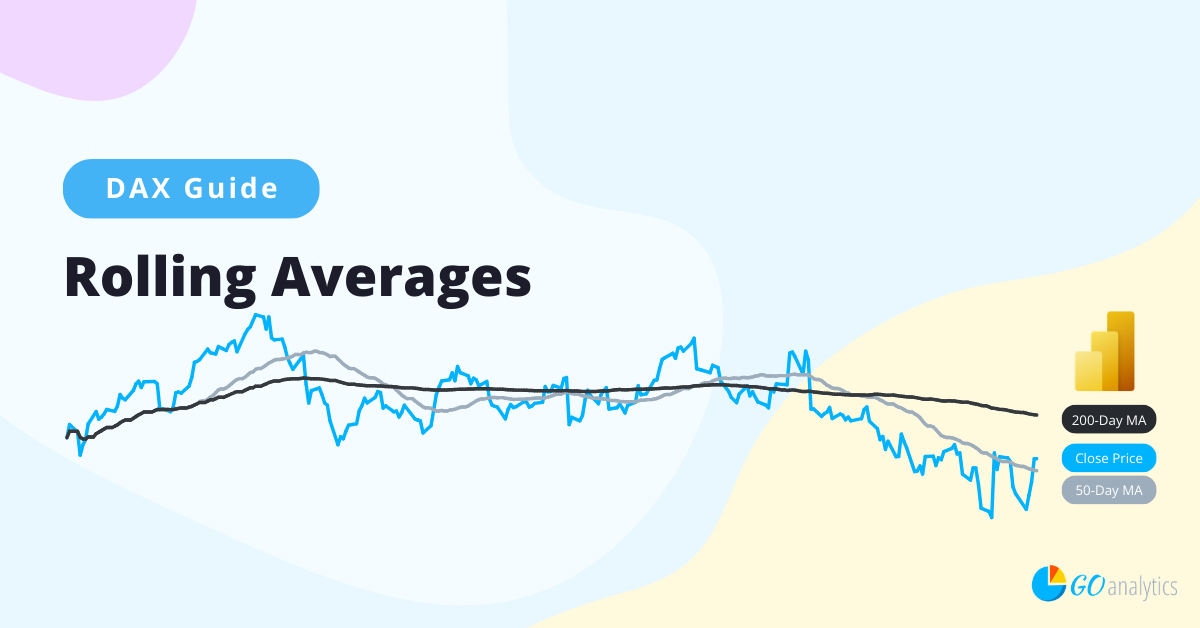
In this blog post, we provide a practical guide to creating rolling average (i.e., last 30 days) measures in Power BI using the built-in DAX (Data Analysis Expressions) programming language.
In this post, we show you how to create a dedicated Measures Table to keep your calculations organized, your data model clean, and your workflow efficient. Whether you're working solo or collaborating with a team, this simple trick will save you time, and future-you will thank you.
In this blog post, we provide a step-by-step guide on how to replace column values in Power Query. Whether you are performing data transformations in Power BI or Excel, this blog post will teach you how to replace column values.
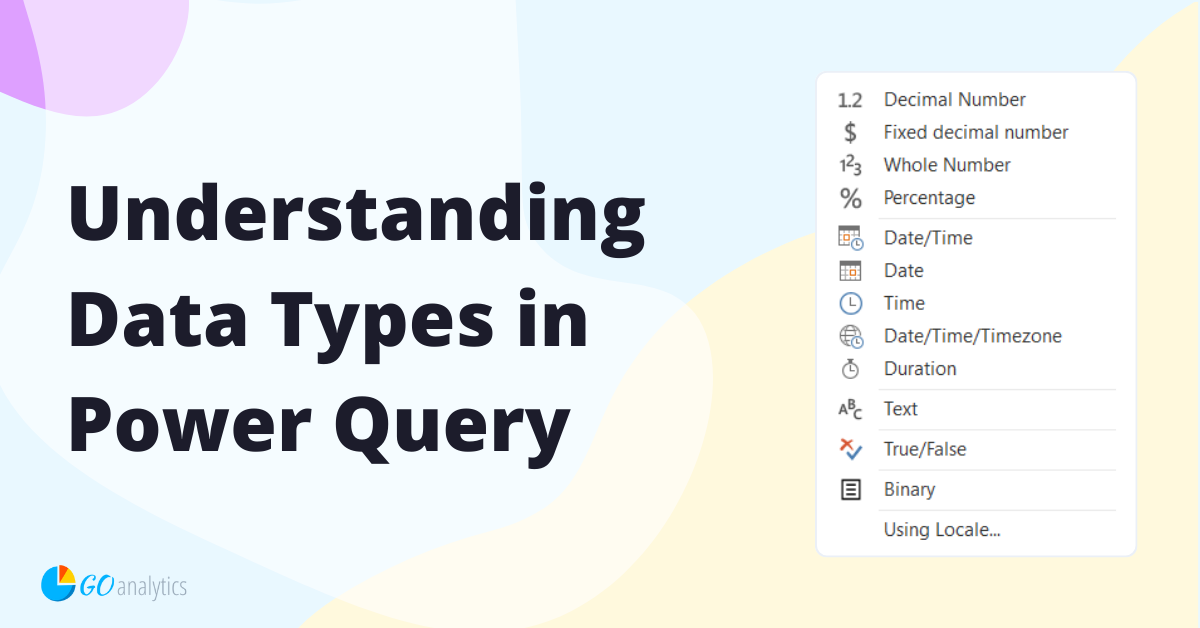
One critical factor that significantly impacts the performance and accuracy of your Power BI reports is the data types used in your datasets. In this blog post, we delve into the world of data types in Power Query (Power BI & Excel), their importance and how to manage them effectively.
In this blog post, we explain how to change the data source location in Power Query to handle data sources that moved locations and fix the ‘DateSource.Error’ error in Power Query.