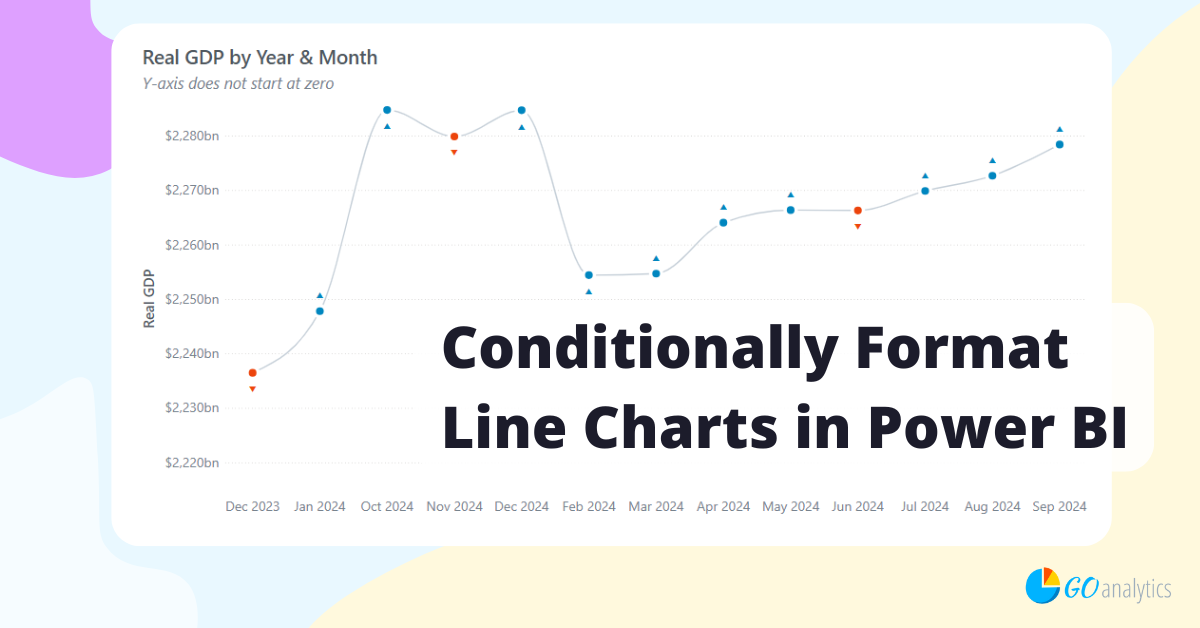

How To Conditionally Format Line Charts in Power BI

Conditionally formatting line charts in Power BI can be a frustrating experience. Although the tool does not provide a built-in way of doing this – there is a trick! In this post, we walk you through how to conditionally format line charts in Power BI.

Comments Off on How To Conditionally Format Line Charts in Power BI

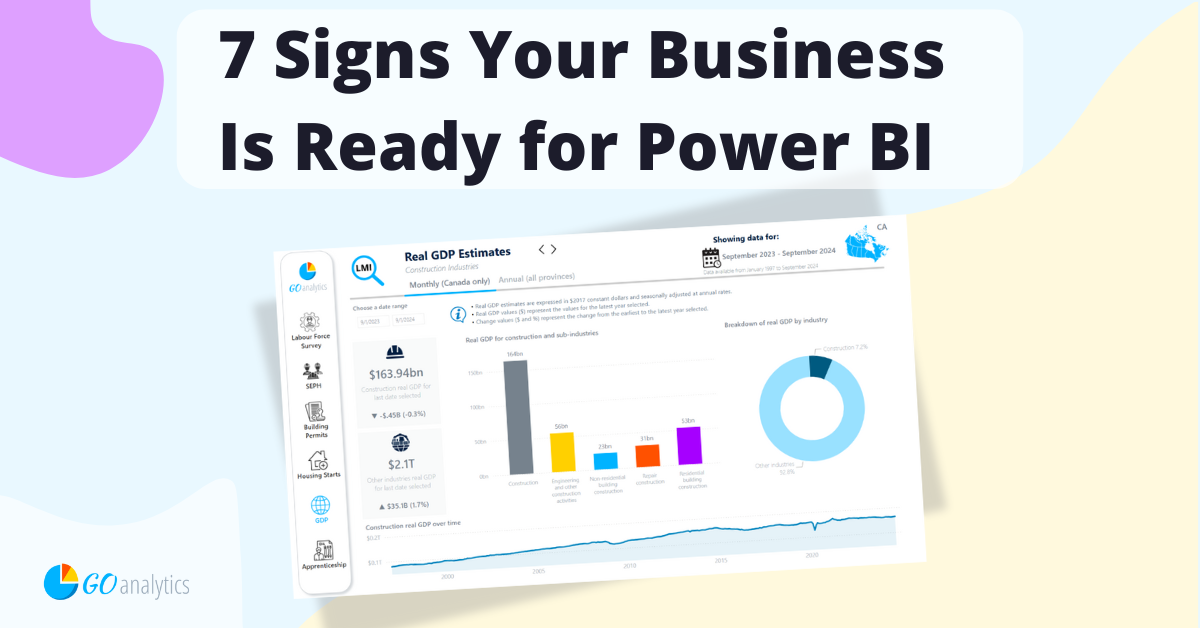
7 Signs Your Business Is Ready For Power BI

Are your teams spending too much time in Excel? Is your business drowning in data but starving for insights? These are just a couple among a list of signs that it’s time to upgrade from manual, spreadsheet-based data analysis to Power BI.

Comments Off on 7 Signs Your Business Is Ready For Power BI

Setting Up Report Pages in Power BI

Want to create more impactful reports? In this blog post, we provide a step-by-step guide to setting up your report pages like a pro. Understand all the customization options available in Power BI to provide your users with an unmatched experience while aligning with brand guidelines.

Comments Off on Setting Up Report Pages in Power BI

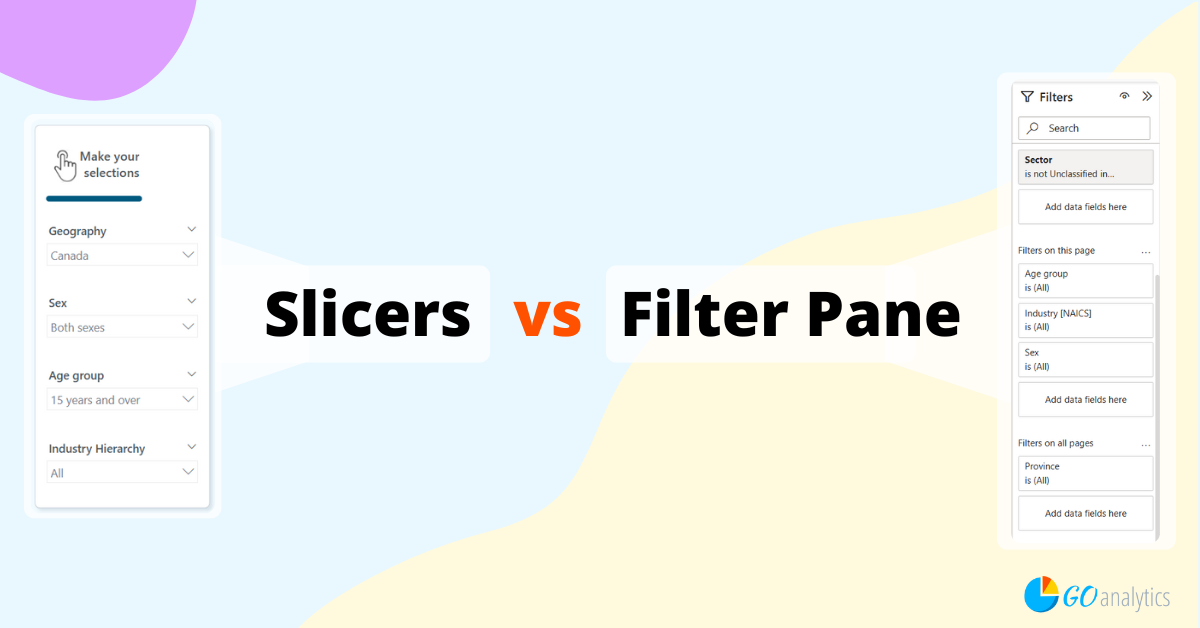
Using Slicers vs. the Filter Pane in Power BI

Filtering is one of the most powerful features in Microsoft Power BI. In this blog post, we discuss the two main filtering options available in Power BI: the slicer visual and the filter pane. Read on for the advantages and drawbacks of each method, guidelines on when to use each option, and filtering best practices.

Comments Off on Using Slicers vs. the Filter Pane in Power BI

End of content

No more pages to load